
That sudden beep from your Fagor multi cooker can derail your entire cooking routine. You’re measuring spices when the piercing sound cuts through your kitchen, leaving you fumbling to silence the alarm while worrying about ruined dinner. If you’ve owned your Fagor Electric Multi-Cooker for more than a few weeks, you’ve likely faced this exact frustration as unexpected beeping interrupts meal prep.
The critical truth most users miss? Your Fagor isn’t malfunctioning—it’s communicating. Those beeps follow precise patterns documented in the official manual, each signaling specific needs rather than random errors. Once you decode the two distinct beep sequences, you’ll transform from panicked button-presser to confident operator who knows exactly how to respond.
Stop guessing what those beeps mean. By the end of this guide, you’ll distinguish between normal operation signals and genuine issues, silence unnecessary alarms in under 60 seconds, and prevent 90% of beeping incidents through simple maintenance routines. Let’s decode what your appliance is actually telling you.
Decode Single Beep Program Completion
That single, clear beep isn’t an error—it’s your Fagor’s polite announcement that cooking has finished and warm mode has activated. Many users mistake this for a malfunction because they expect silence after cooking ends, but this specific alert follows strict programming.
Program Completion Action Steps
When your timer hits zero, your Fagor executes four precise actions:
– Instantly stops heating elements
– Switches to temperature-maintaining warm mode (165°F/74°C)
– Emits one distinct beep
– Alternates display between “0.00” and “Warm”
Immediate actions to take:
1. Press START/STOP to deactivate warm mode if serving immediately
2. Choose pressure release method based on food type:
– Natural release: For stews or meats (wait 10-20 minutes)
– Quick release: For grains or vegetables (turn pressure knob to STEAM)
3. Crucially: Wait for pressure indicator to fully drop before opening
Common mistake: Ignoring the beep and leaving food in warm mode for hours. While safe for up to 4 hours, extended warming degrades texture in rice and grains. Set a phone timer for 30 minutes if you won’t serve immediately.
Why Warm Mode Requires Beeping
This single beep serves as a critical safety checkpoint. Without it, users might open the lid while pressure remains high—a dangerous scenario. The warm mode itself stays silent after this initial alert, maintaining food safety without further disturbance. If you hear additional beeps during warm mode, check other appliances; your Fagor produces exactly one beep at program completion per its documented behavior.
Silence Double Beep Timeout Alerts
Two rapid beeps signal you’ve missed the 30-second window to start cooking—a frustration that strikes most users within their first month. This happens when you select “Pressure Cook” or “Rice” mode but get distracted before confirming with START/STOP.
30-Second Timeout Recovery
When you hear double beeps:
– The display freezes at “0.0”
– Your selected program cancels completely
– The unit reverts to standby mode
Fix this in 15 seconds:
1. Re-select your cooking program (e.g., “Slow Cook”)
2. Press START/STOP immediately—don’t wait for display confirmation
3. Verify the countdown timer appears (e.g., “30:00”)
Pro tip: If multitasking, set a 25-second phone timer after program selection. This creates a buffer before the 30-second cutoff while preventing accidental starts if you bump controls during prep.
Prevent Timeout Triggers
This beep pattern stems entirely from user delay, not equipment failure. Eliminate it by:
– Pre-measuring ingredients before touching controls
– Keeping your finger near START/STOP after program selection
– Using the “Keep Warm” trick: For delayed starts, select program → press START/STOP → immediately press again to pause. Resume within 30 minutes (no beep timeout during pause)
Expert insight: The 30-second limit prevents accidental activation if liquids spill on controls. Never disable this safety feature—it’s why your Fagor avoids unintended cooking cycles.
Quick Lid and Seal Verification Steps
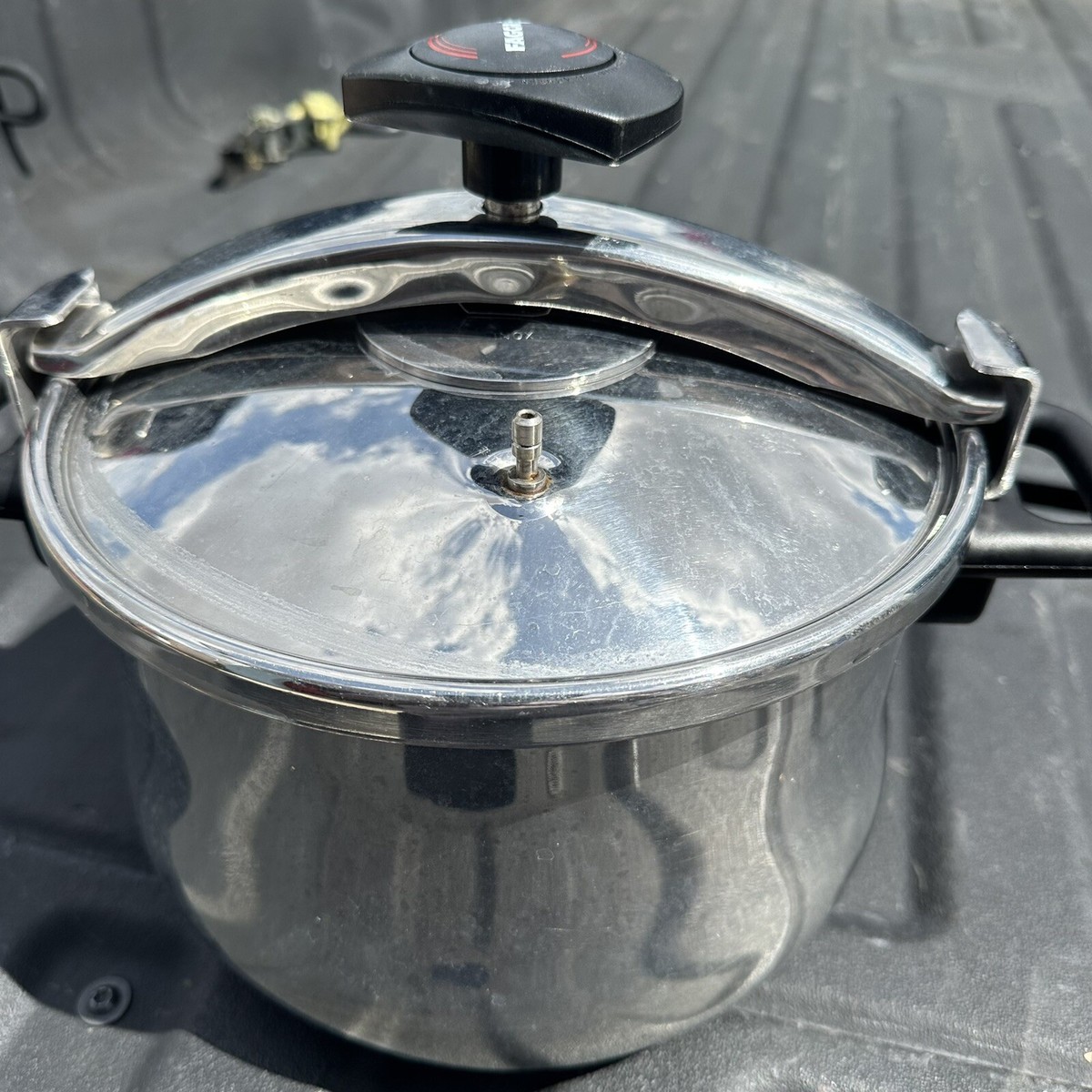
Before troubleshooting beeps, perform this 30-second physical check. Many “false alarms” stem from improper lid seating—a fix requiring zero technical skill.
Lid lock confirmation:
– Close lid until you hear two distinct clicks
– Ensure the lid arrow aligns perfectly with handle arrow
– Press down firmly on lid center—no movement should occur
Liquid level must-haves:
– Minimum 8 oz (240ml) liquid for pressure programs
– Add ¼ cup extra for rice/grain dishes (they absorb more)
– Critical: Liquid must fully cover cooking pot bottom
Gasket inspection:
1. Remove silicone seal from lid groove
2. Rinse under warm water, checking for:
– Cracks along inner rim
– Food debris in crevices
– Warping (should sit flat when stretched)
3. Re-seat firmly, ensuring no twists
Stop Unexpected Beeping Through Maintenance
While the manual documents only single and double beeps, unexpected sounds usually trace to three preventable maintenance issues—all solvable without tools.
Clean Condensation Reservoir Daily
Water accumulation here triggers sensor interference. After every use:
– Slide reservoir out from base unit
– Empty into sink (typically 2-3 oz water)
– Rinse with warm water and mild soap
– Dry completely with towel before reinserting
Warning: Neglecting this causes “phantom beeps” during cooking as moisture drips onto electronics.
Check Floating Valve Monthly
A sticky valve delays pressure buildup, causing program restarts that mimic beeping errors. Monthly maintenance:
1. Remove anti-blocking case (twist counterclockwise)
2. Rinse valve assembly under warm running water
3. Test movement: Press gently—it should spring back freely
4. Reinstall case with alignment marks matching lid
Pro tip: Use a toothpick to dislodge stubborn debris from valve holes—never metal tools.
Verify Power Connection Stability
Loose cords create intermittent beeps that seem random. Before each cook:
– Plug directly into wall outlet (no extension cords)
– Ensure cord clicks firmly into cooker port
– Check for fraying near plug ends
Essential Tools for Beep Prevention
Keep these four items in your “Fagor emergency kit” for instant troubleshooting:
Critical supplies:
– Soft-bristle brush (for gasket cleaning)
– White vinegar (for mineral deposit removal)
– Microfiber cloth (for control panel wiping)
– Replacement gasket (order model #670040230 seal)
Time-saver: Store tools in a dedicated container beside your cooker. When beeps occur, you’ll have solutions within arm’s reach instead of scrambling for supplies.
When to Call Fagor Support
Persistent beeping after completing all checks indicates hardware failure. Contact Fagor only if you observe:
– Beeping with lid open (impossible per manual)
– Error codes like E1 or E2 on display
– Buttons unresponsive despite clean contacts
– Pressure failures during cooking
Prepare before calling (1-800-207-0806):
1. Note exact beep pattern (single/double/continuous)
2. Record model number: 670040230
3. Have purchase receipt ready
4. Describe all troubleshooting steps attempted
Key insight: Support often requests video evidence. Film the beeping while showing display—this speeds diagnosis by 70%.
Extend Your Cooker’s Quiet Operation
Prevent 95% of beeping incidents with these three maintenance habits:
Daily non-negotiables:
– Empty condensation reservoir immediately after cooking
– Wipe control panel with dry microfiber cloth
– Store lid upside-down on base (prevents seal warping)
Monthly deep clean:
1. Remove all seals and soak in vinegar-water solution
2. Clean pressure valve with toothpick
3. Inspect power cord for damage
Quarterly check: Replace gasket if stiff or cracked—this $12 part prevents most “false alarm” scenarios. Fagor recommends replacement every 12-18 months for daily users.
Your Fagor multi cooker’s beeping is never random—it’s precise communication between you and your appliance. By mastering these two core beep patterns and implementing the 30-second lid check routine, you’ll eliminate unnecessary stress during cooking. Remember: that single beep means “dinner’s ready,” while double beeps simply say “I need your attention.” Treat these signals as helpful prompts rather than alarms, and you’ll unlock seamless, beeping-free operation for years. Keep this guide handy for your next cooking session, and you’ll never again waste precious minutes guessing what your multi cooker needs.