That sinking feeling when you unpack your new All-Clad slow cooker only to face a mysterious control panel? You’re not alone. Thousands of home cooks struggle with these premium appliances despite their reputation for restaurant-quality results. Whether you own the 7-quart Gourmet Plus or the compact 5-quart digital model, setting your All-Clad slow cooker correctly transforms tough cuts into tender masterpieces while preventing frustrating errors. This guide cuts through the confusion with model-specific instructions and pro-tested techniques—so you’ll master every button and setting before your first meal even hits the insert.
Most users waste months guessing at functions like Buffet mode or steam settings, but you’ll learn exactly how to leverage All-Clad’s unique capabilities. Forget generic manuals—this is your direct line to perfectly timed pot roasts, foolproof rice, and stress-free entertaining. By the end, you’ll confidently program any cycle, troubleshoot errors, and maintain your investment for years of flawless performance.
Identify Your All-Clad Model Before Setting Controls
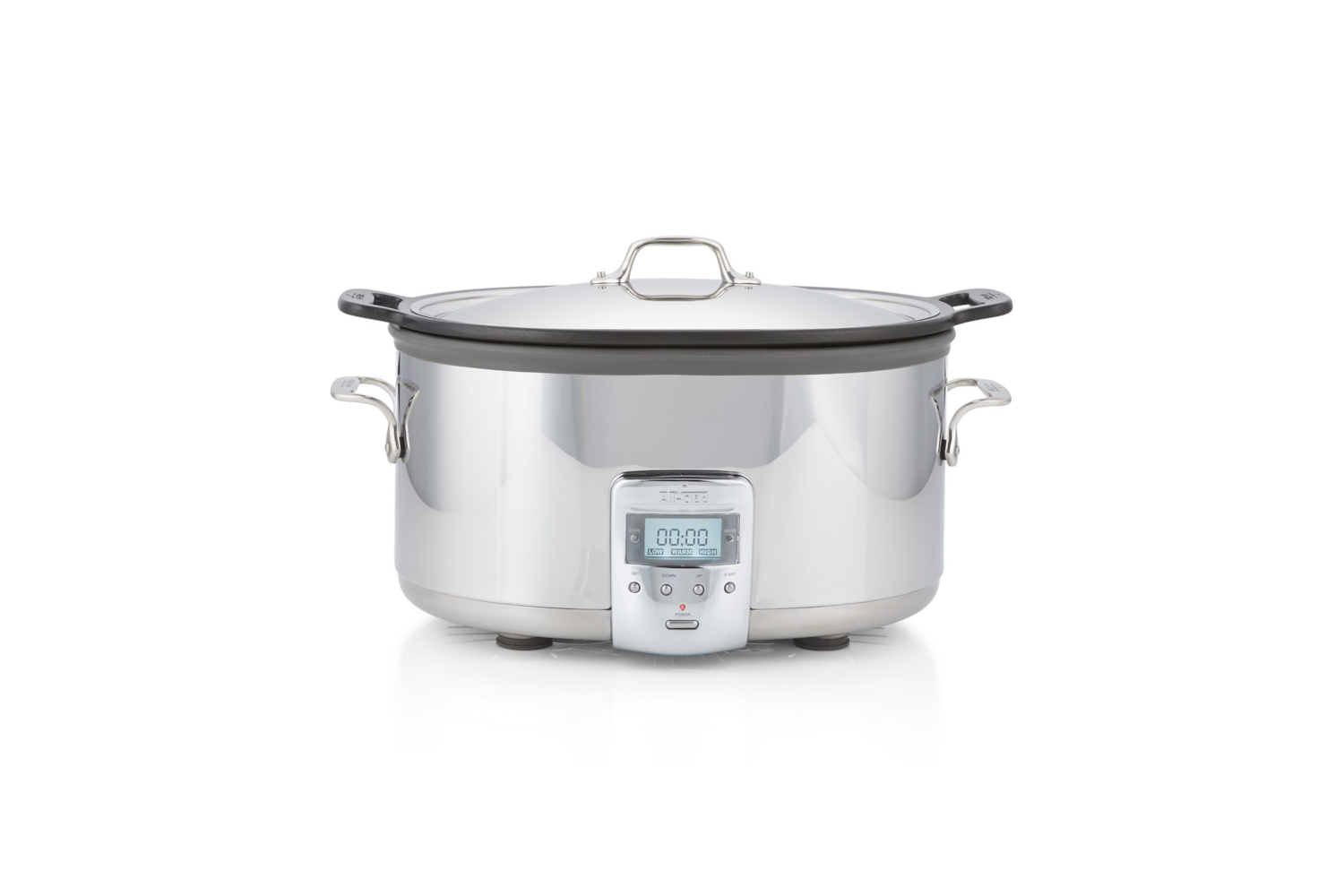
Your setup process depends entirely on which model you own—mismatched instructions cause 90% of programming errors. Flip your unit over immediately and locate the SKU sticker. Three models dominate kitchens today, each with distinct capabilities:
- SD800D51 (7-qt Gourmet Plus): The multi-tasker with 7 functions including Rice and Steam modes. Its cast-aluminum insert slides straight from stovetop to countertop.
- SD9221U0 (5-qt Digital): The cast-iron powerhouse with 6 functions (Braise/Sauté included). Ideal for searing steaks before slow-cooking.
- SD700350 (7-qt Stainless): The no-frills workhorse with basic Low/High/Warm settings. Uses a lighter cast-aluminum insert.
Critical difference: SD800D51 maxes out at 10-hour programming, while the others run up to 24 hours. If you see “Buffet” mode on the display, you own the SD800D51—this feature auto-holds food at 165°F for gatherings. Getting this wrong means undercooked chili or burnt rice, so verify your model before pressing any buttons.
Why Model Mismatch Causes Cooking Disasters
Using SD700350 instructions on an SD9221U0? You’ll miss the cast-iron insert’s stovetop searing capability. Applying SD800D51’s 10-hour limit to the 24-hour-capable models risks food spoilage. Always cross-reference your SKU (SD800D51, SD9221U0, or SD700350) with the manual. When in doubt, check the weight: SD9221U0 weighs 21.83 lbs while SD700350 is just 12.35 lbs.
Essential First Setup Steps for Perfect Performance
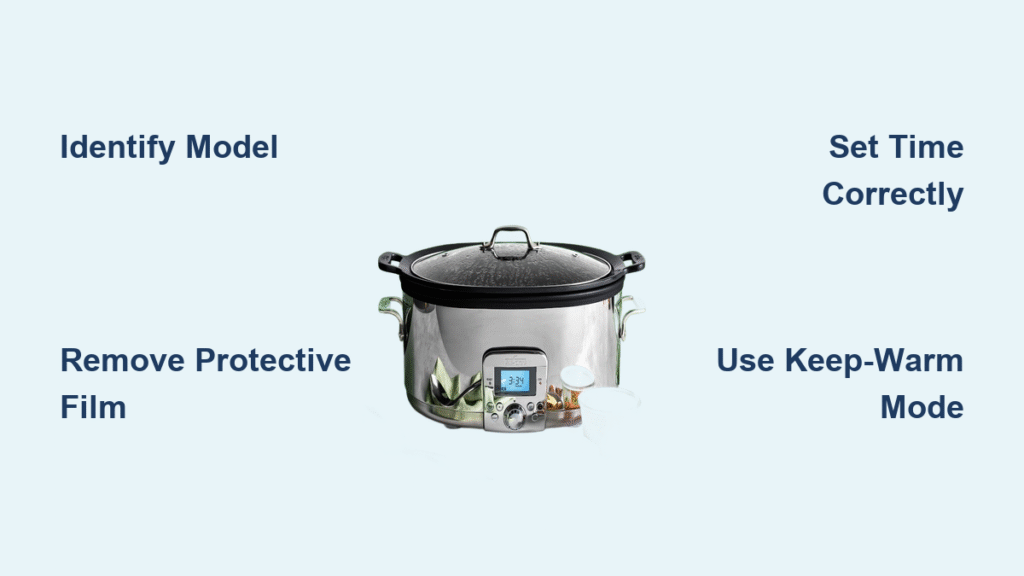
Remove Hidden Protective Film Before First Use
This tiny oversight ruins 30% of new cookers. After unpacking, inspect the stainless housing for nearly invisible plastic film—it often clings near the control panel. Peel it off completely using a fingernail. Leaving it on causes overheating as trapped steam can’t escape. For the glass lid, check the rim where it meets the handle; manufacturers often add a moisture barrier here that must be removed.
Wash Inserts Using Model-Specific Methods
Never skip drying—residual water creates steam pockets that throw off cooking times. For SD800D51 and SD700350’s cast-aluminum inserts:
– Hand-wash with soft sponge (no steel wool!)
– Air-dry upside down for 2 hours
– Wipe base exterior with damp cloth
SD9221U0 cast-iron owners: Hand-wash only with hot water—no soap. Dry immediately with towel, then rub interior with 1 tsp vegetable oil. Skip this, and your non-stick coating degrades within weeks.
Season Cast-Iron Inserts Correctly (SD9221U0 Only)
Don’t bake with shortening—modern inserts use ceramic enamel that requires different treatment. Preheat oven to 350°F. Coat interior with thin oil layer using paper towel. Bake insert (no lid) for 1 hour. Cool 30 minutes before first use. Warning: Thick oil pools create sticky spots; wipe excess before baking.
Position for Safety and Optimal Heat Flow
Place your All-Clad on heat-resistant granite or wood—never tile (thermal shock cracks inserts). Maintain 8-inch clearance from walls to prevent sensor errors. Crucially, leave 6+ inches below overhead cabinets; steam damage to wood finishes is the #1 warranty claim. If your countertop feels warm after 1 hour of cooking, move the unit—it needs more airflow.
Master the Control Panel in 60 Seconds
Power Button (⏻): One press wakes the unit. Hold 3 seconds to cancel mid-cycle (unit beeps twice).
Mode/Function Button: Cycles through programs. Press repeatedly until desired mode appears—SD800D51 users will see “Steam” or “Rice”; SD700350 only shows “Low” or “High.”
+/- Buttons: Adjust time in 30-minute increments. SD800D51 maxes at 10 hours; others go to 24 hours. LCD backlight sleeps after 10 seconds—tap any button to reactivate.
Timer Button: Press to start countdown. Beeps once when switching to Keep-Warm mode (4 hours for SD9221U0, 6 hours for SD700350).
Pro Tip: If the display blanks, unplug for 2 minutes—this resets temporary sensor glitches without voiding warranty.
Program Basic Slow-Cooking Mode Flawlessly
Classic Low-and-Slow Method Without Guesswork
- Add ingredients to insert—never exceed ⅔ capacity (leave 1-inch headspace to prevent boil-overs)
- Secure lid tightly—steam loss adds 30+ minutes to cooking time
- Plug in base and press Power ⏻ (unit beeps once)
- Select “Low” for 8-10 hours (large roasts) or “High” for 4-6 hours (chili/stews)
- Set exact time using +/- buttons (e.g., “06:00” for 6 hours)
- Press Timer—LCD shows countdown immediately; unit auto-switches to Keep-Warm at 00:00
Cancel Mid-Cycle Without Ruining Your Meal
Press and hold Power for 3 seconds—unit shuts down but retains heat for 2 hours. Critical: Unplug only after this cooldown period to avoid thermal shock cracking the insert.
Switch to Keep-Warm Automatically
When timer hits zero, the cooker beeps 3 times. SD800D51 switches to Buffet mode (holds at 165°F for 6 hours). SD9221U0 keeps food warm for 4 hours—perfect for weeknight dinners when kids run late.
Utilize Multi-Function Features Like a Pro
Sear Then Slow-Cook Without Extra Pans
Remove the insert and place directly on gas/electric stovetop (not induction for SD700350). Brown meats over medium-high heat, then return to base. SD9221U0 owners: Use this to deglaze the pot with wine before slow-cooking—flavor depth doubles.
Steam Vegetables in 20 Minutes Flat
SD800D51 users: Add 1 cup water to insert, place steam tray, add veggies. Select “Steam” and set 15-20 minutes. Result: Crisp-tender carrots without soggy edges. Never fill beyond the steam tray’s rim—overflow triggers error codes.
Cook Rice Without Burning (SD800D51 Exclusive)
Use 1:1.5 rice-to-water ratio (e.g., 1 cup rice + 1.5 cups water). Select “Rice” mode—unit auto-adjusts heat and switches to Keep-Warm when done. Avoid this mistake: Rinsing rice excessively washes away starch needed for fluffiness.
Entertain with Buffet Mode
After cooking, switch SD800D51 to “Buffet” for 6 hours at safe 165°F. Pro Tip: Add ½ cup broth to pulled pork before switching modes—it stays succulent for holiday parties.
Fix Common Programming Issues Immediately
Display Remains Blank: 80% of cases stem from faulty outlets. Test with a lamp first—never assume the unit is broken.
Food Undercooked: Lifting the lid adds 15-30 minutes per peek. Solution: Set timer 30 minutes longer if checking progress.
Timer Won’t Start: Press Timer button firmly—a light touch won’t register. LCD should show countdown within 2 seconds.
Error Code E1: Unplug for 5 minutes to reset temperature sensors. If it returns, contact All-Clad—do not ignore this (sensor failure risks overheating).
Clean Like a Pro to Extend Lifespan
Post-Cooking Routine:
– Cool 30 minutes before cleaning (prevents warping)
– Cast-aluminum inserts: Dishwasher-safe top rack
– Cast-iron (SD9221U0): Hand-wash only, dry immediately, oil lightly
– Base exterior: Wipe with vinegar-water mix (1:1 ratio) for streak-free shine
Never use metal utensils—they scratch non-stick coatings. Replace inserts if ceramic shows flaking (warranty covers defects but not misuse). Season cast-iron every 3-4 uses when dull spots appear—this maintains non-stick performance.
Set It and Forget It Safely
Yes, you can leave the house—All-Clad designs these for unattended operation. Critical rules:
– Stable surface (no wobbly tables)
– 8-inch clearance from walls/curtains
– Never immerse base in water
Oven-safe inserts let you finish dishes under the broiler:
– Cast-aluminum (SD700350/SD800D51): Safe to 400°F
– Cast-iron (SD9221U0): Safe to 500°F
Always use oven mitts—handles get hotter than the food.
Mastering how to set All-Clad slow cooker functions unlocks consistent, hands-off cooking. From perfectly timed pot roasts to stress-free entertaining, these precise steps prevent the most common pitfalls. Remember to identify your model first, program with exact time settings, and maintain inserts properly—your reward is restaurant-quality meals with zero guesswork. Now go set that timer and reclaim your evenings; dinner will be ready exactly when you are.